Solutions / Microsoft 365 and Teams
Microsoft 365 and Teams
Your phone system connected to Microsoft 365.
Sign in with your Microsoft account, call your Microsoft 365 contacts and let your calendar set your phone status. We set it up, test it and support it for you.
Microsoft 365 integration is included in every plan, from $19.99 per month, billed annually.
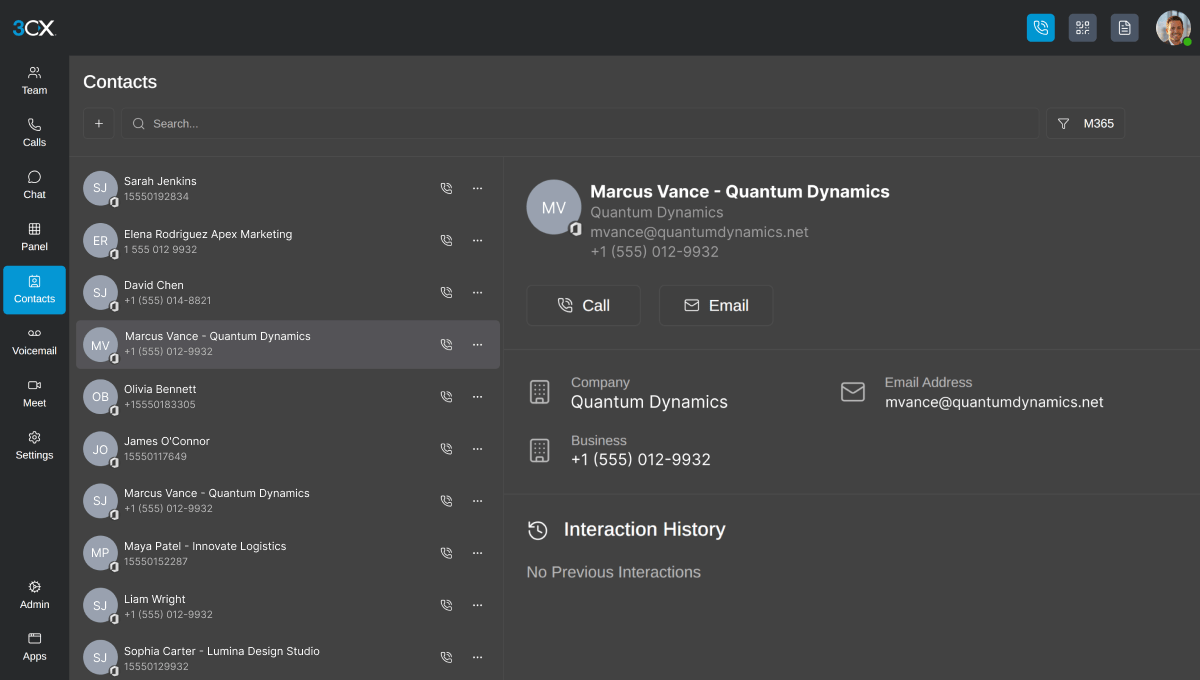
Less admin for IT, less switching for your team.
Users, contacts and calendars stay in Microsoft 365, and your phone system follows them.
User sync
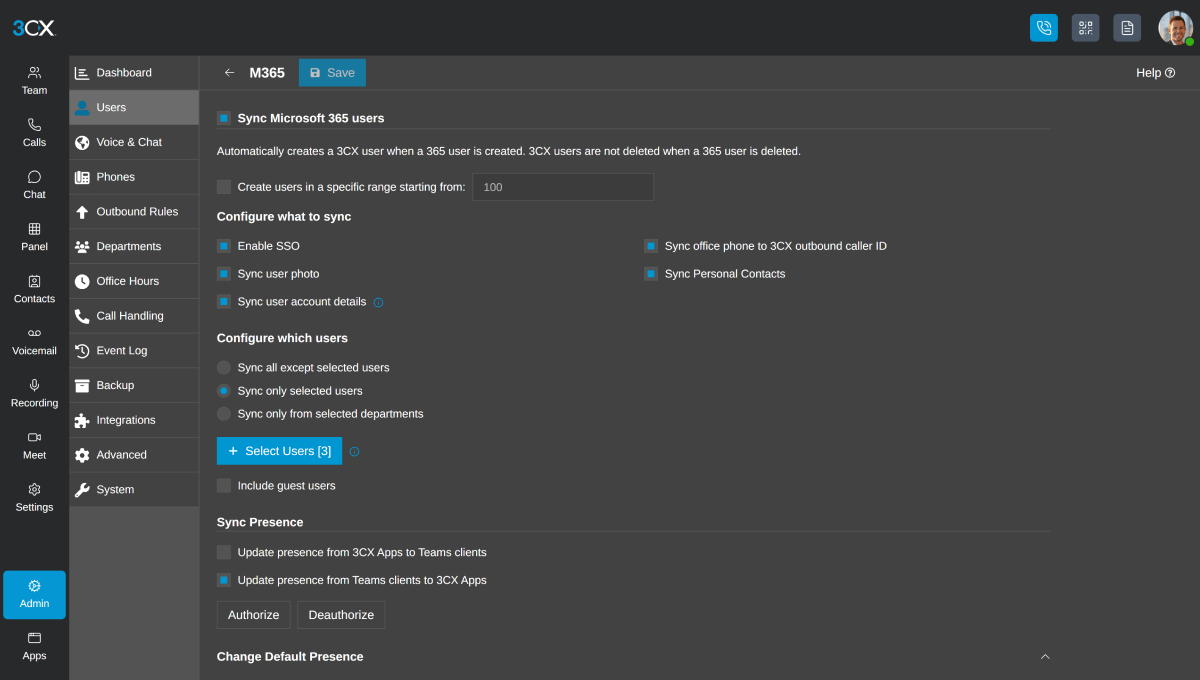
Extensions are created automatically from your Microsoft 365 users, which removes manual entry and reduces errors.
Single sign-on
Users log in with their Microsoft credentials, so there is no separate password to forget.
Calendar-based status
Your phone status changes with your calendar, so your phone does not ring during a meeting, and it switches back when the meeting ends.
Contact sync
Microsoft 365 contacts are copied into your phone system, so you can call them from the desktop and mobile apps.
How it works
Works with the tools your team already uses.
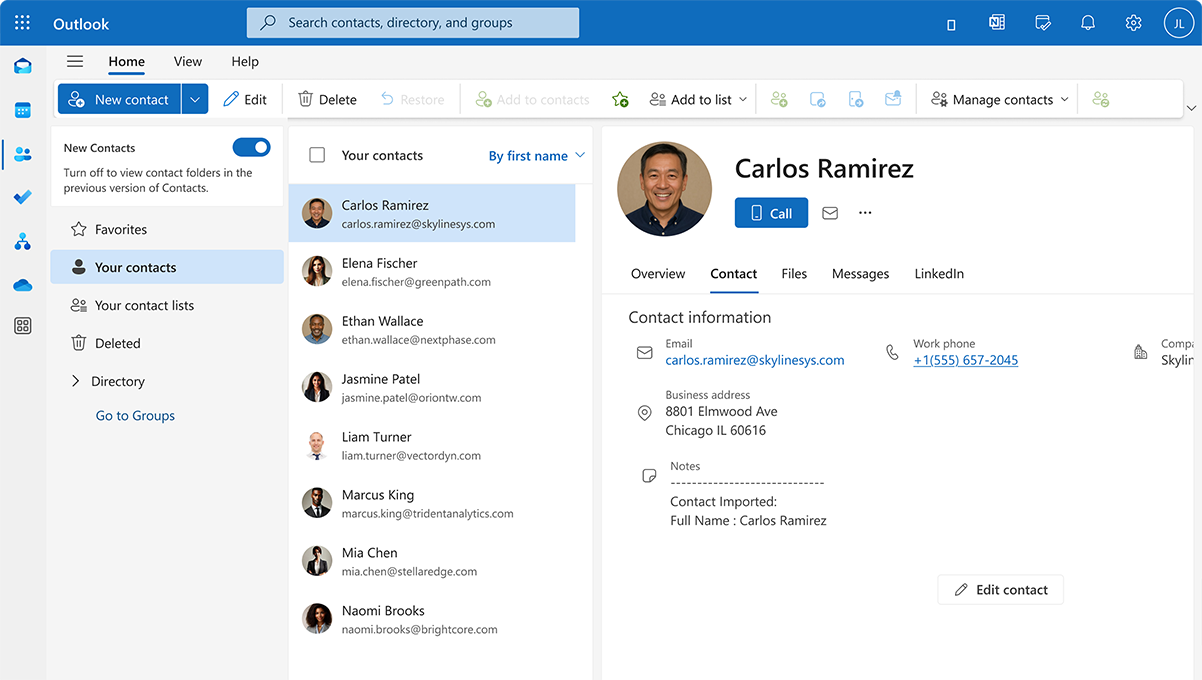
Call from where you work
Your team can call their Microsoft 365 contacts with click-to-call from the Windows app, and synced contacts and calendar updates appear in the phone apps. Notifications are sent through Microsoft 365, which helps them avoid spam folders.
Calling with Microsoft Teams
Teams calling runs through your phone system, so users on Teams and on the phone apps can call each other, and calls can be forwarded to a Teams account. Each Teams user who makes or receives calls needs a Microsoft Teams Phone license.
Why AVX Cloud
Set up, tested and supported by a local team.
An integration only saves time when it is set up around how you already work. AVX Cloud handles the setup and stays involved after go-live.
Planned around your calls
We start with how your team uses Microsoft 365 and Teams today, and which users need what.
Configured and tested for you
We connect your Microsoft 365 account, choose what to sync, set up sign-in, and test it before your team relies on it.
Local support after go-live
New starter or a change in Microsoft 365? Call or email our New Jersey team and we will help.
FAQ
Common questions about Microsoft 365 and Teams.
Here are the questions we hear most often about the Microsoft integration.
Still have questions?
Talk with our team and we'll walk you through how we'd support your business.
Talk to an Expert →Related solutions.
The Microsoft 365 integration works alongside the other features in your AVX Cloud phone system.
Take your office number with you on iOS, Android, Windows and the web.
Host browser-based video meetings with no downloads and no time limits.
See who is calling and log every call in your CRM.
GET STARTED
Get a business phone system backed by local support.
From planning and setup to training and ongoing support, you get one team and a single point of contact.
Talk to a New Jersey phone system specialist.
Tell us about your business and we'll be in touch.
RESOURCES
Insights for New Jersey businesses.
Practical guidance on business phone systems, VoIP, and AI-powered communication from our team.