Solutions / AI Transcription
AI Transcription
Turn calls and voicemails into text your team can read.
Stop replaying recordings to find out what was said. AI transcription gives your team a written record of calls and voicemails, and we set it up, test it and support it for you.
Included in the AI-Pro plan, $39.99 per month, billed annually.
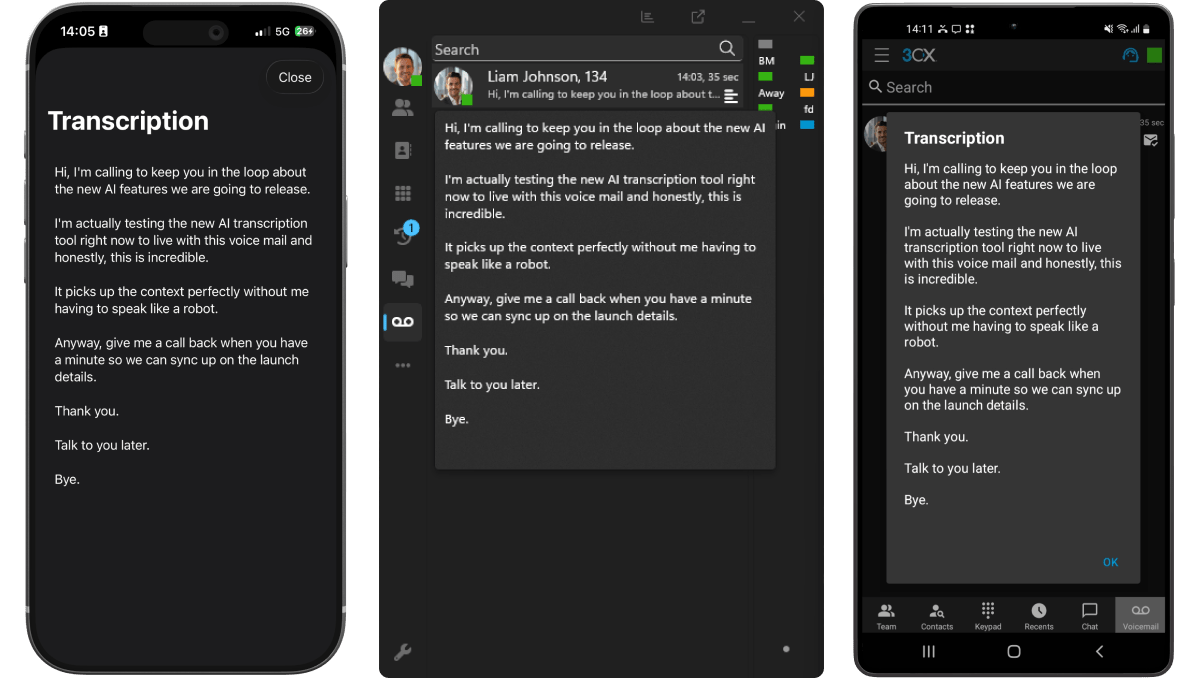
Review conversations without replaying the audio.
Transcripts, summaries and sentiment sit alongside your call records, so follow-up takes minutes instead of a second listen.
Call transcripts
Recorded calls are converted into written transcripts your team can search by keyword and refer back to.
Voicemail in text
Voicemail messages arrive as readable text, so staff can see what a caller needs before they call back.
Who said what
Each side of the call is recorded on its own track, so the transcript identifies who said what without guessing.
Summaries and sentiment
AI call summaries condense each conversation, and sentiment analysis estimates its tone to help you decide which calls to review first.
How it works
Transcripts that sit with the rest of your call records.
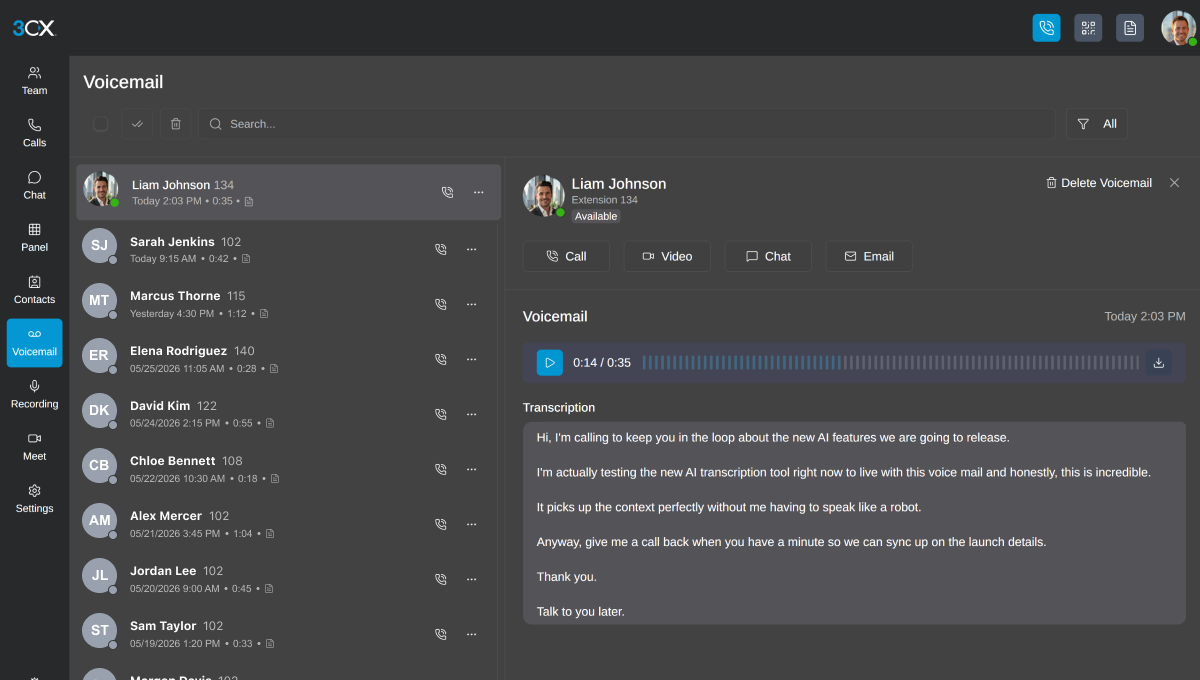
Read it where you already work
Transcripts appear with the recording and call details, in the same apps your team uses for calls and voicemail. Staff can search them by keyword, and transcripts can also be sent by email. Depending on your setup, calls can be reviewed by person, queue or ring group.
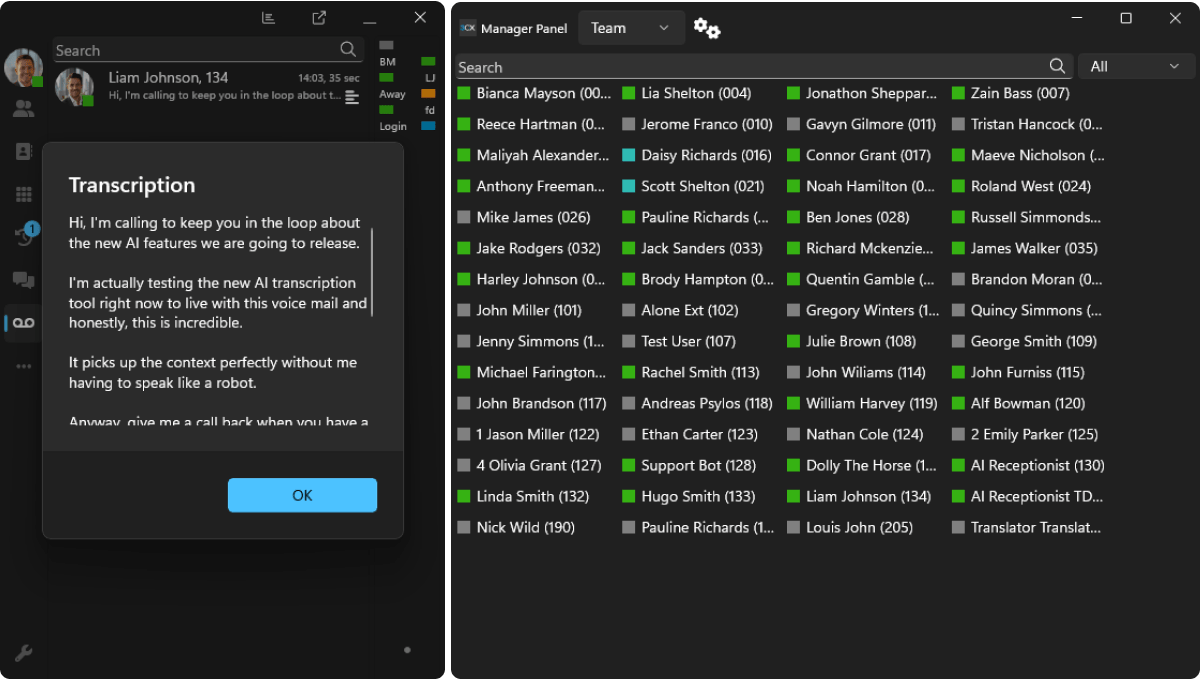
You choose what gets transcribed
Transcription works on recorded calls, so we start by agreeing which calls to record, who can see the transcripts, how long to keep them and what notice callers need. AI transcripts can contain errors, so treat them as a faster way to review a call, not a word-for-word record.
Why AVX Cloud
Set up, tested and supported by a local team.
Transcription is only useful when it is switched on for the right calls and people know where to find it. AVX Cloud handles the setup and stays involved after go-live.
Planned around your calls
We start with which conversations matter most: sales calls, support queues, the front desk. Then we decide together what to record and transcribe.
Configured and tested for you
We turn on recording and transcription for the right users and queues, set permissions, and check the results before your team relies on them.
Local support after go-live
Need transcription added for a new hire or queue? Call or email our New Jersey team and we will make the change.
FAQ
Common questions about AI transcription.
Here are the questions we hear most often about call transcription.
Still have questions?
Talk with our team and we'll walk you through how we'd support your business.
Talk to an Expert →Related solutions.
AI transcription works alongside the other features in your AVX Cloud phone system.
Review call summaries and sentiment to see how conversations are going.
Greet, screen and route callers before they reach your team.
Screen calls for one person and put priority contacts straight through.
GET STARTED
Get a business phone system backed by local support.
From planning and setup to training and ongoing support, you get one team and a single point of contact.
Talk to a New Jersey phone system specialist.
Tell us about your business and we'll be in touch.
RESOURCES
Insights for New Jersey businesses.
Practical guidance on business phone systems, VoIP, and AI-powered communication from our team.